
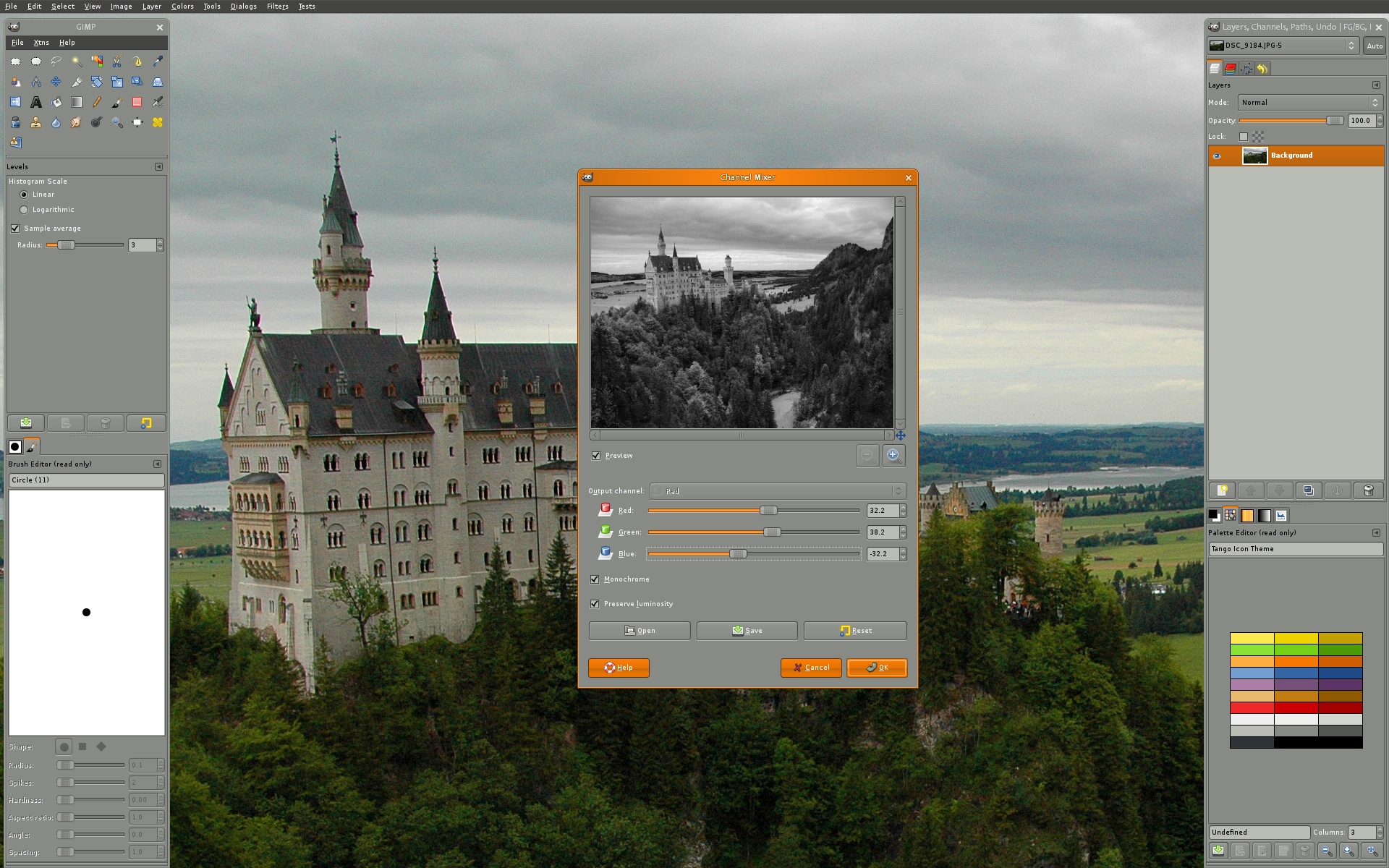
GIMP stands for GNU Image Manipulation Program (formerly known as General Image Manipulation Program). What is GNU? It is a Unix-like computer operating system which began in 1983 developed initially by Richard Stallman at the Massachusetts Institute of Technology.
On June 4, 2012 their latest updates were released. GEGL 0.3.0 features 71 new image-processing operations; and BABL 0.1.2 which features update to improve conversions of pixel formats.
If you are looking for a free alternative solution to graphic designing software GIMP is FANTASTIC. There are many resources available online such as tutorials. They also have an extensive FAQ section on their website, which covers a lot of common questions and solutions.

GIMP is not as bulky as Photoshop therefore does not require as much as space on your hard-drive. There are many plugins and you are even able to install color profiles for more color options to make your GIMP software more like Photoshop. Whether you are trying to design from scratch, manipulate photographs, and/or add special effects you are able to accomplish this with GIMP if you are willing to learn and practice.
Download GIMP for free here.
See project examples edited with GIMP here.

This GIMP software looks mighty similar too Adobe’s Photoshop. I may be willing to give it a try sometime and rate it against Adobe themselves. Time to put it too the test!
Nice weblog here! Additionally your web site quite a bit up very
fast! What host are you the usage of? Can I get your associate
link in your host? I want my website loaded up as quickly as yours lol
Thanks – I’m using StableHost. If you want some discount, drop me an e-mail and I’ll send you a code.
I’m very pleased to uncover this page. I wanted to thank you for ones time due to this fantastic read!!
I definitely loved every little bit of it and i also have you book marked to see new stuff in your site.